Start your shift.
We'll count every mile.
TrackMiles logs every mile you drive while you're online, including the drive between orders, and shows your mileage deduction growing as you go. At tax time, export a clean report for your preparer.


- One tap to start a shift
- Live deduction while you drive
- PDF tax summary
- Trips stay on your iPhone
Three steps, every time you drive
There's nothing to set up between rides. Start when you go online, stop when you're done.
Pick a work type and start
Choose Rideshare, Delivery or Other and tap Start shift. TrackMiles begins counting from your first turn.
Drive like you normally do
Every mile counts while you're online, including the drive to a pickup and back. Pause for breaks; miles and time stop with you.
Hold to end the shift
Press and hold to finish, so a stray tap never ends it early. The shift is saved with its route, hours, miles and deduction.
Built around the shift, not the trip
Gig work is a string of short trips. TrackMiles treats your whole time online as one shift, so nothing slips through.
Watch your deduction grow
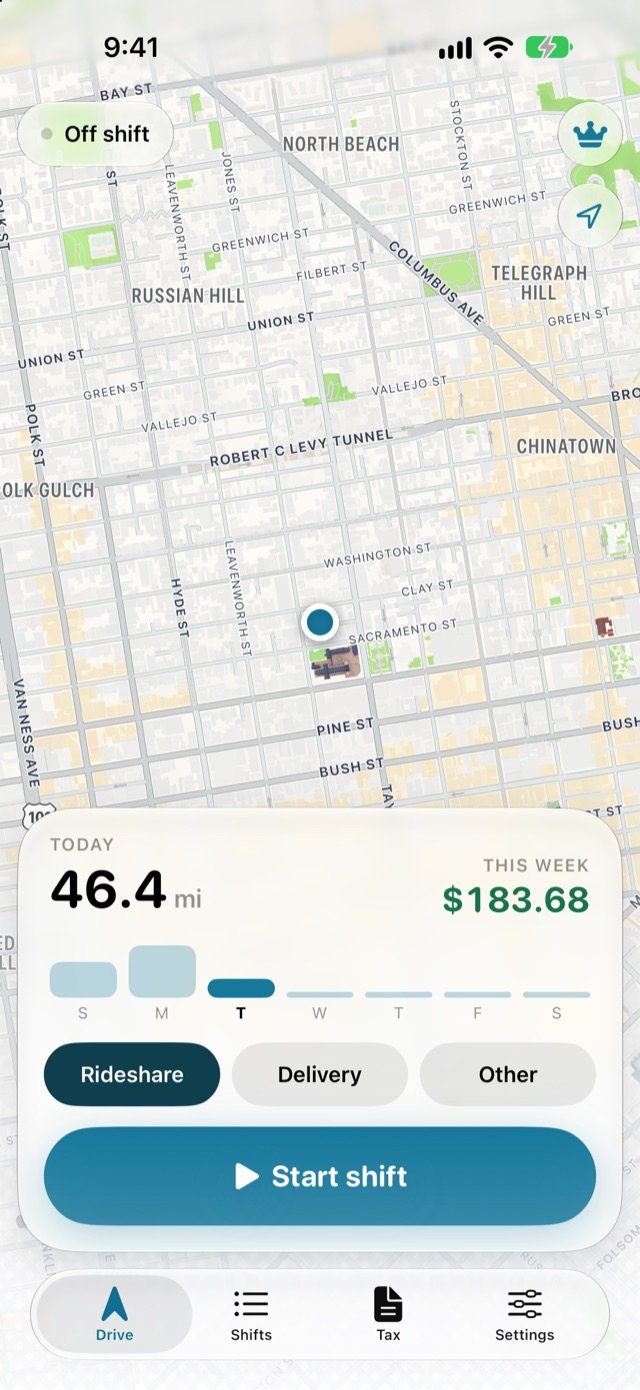
The Drive screen keeps the map and your route in view while the card below counts up your deduction, miles, speed and time.
- Your own mileage rate for each tax year
- Pause and resume for breaks
- Big, glanceable numbers for the car
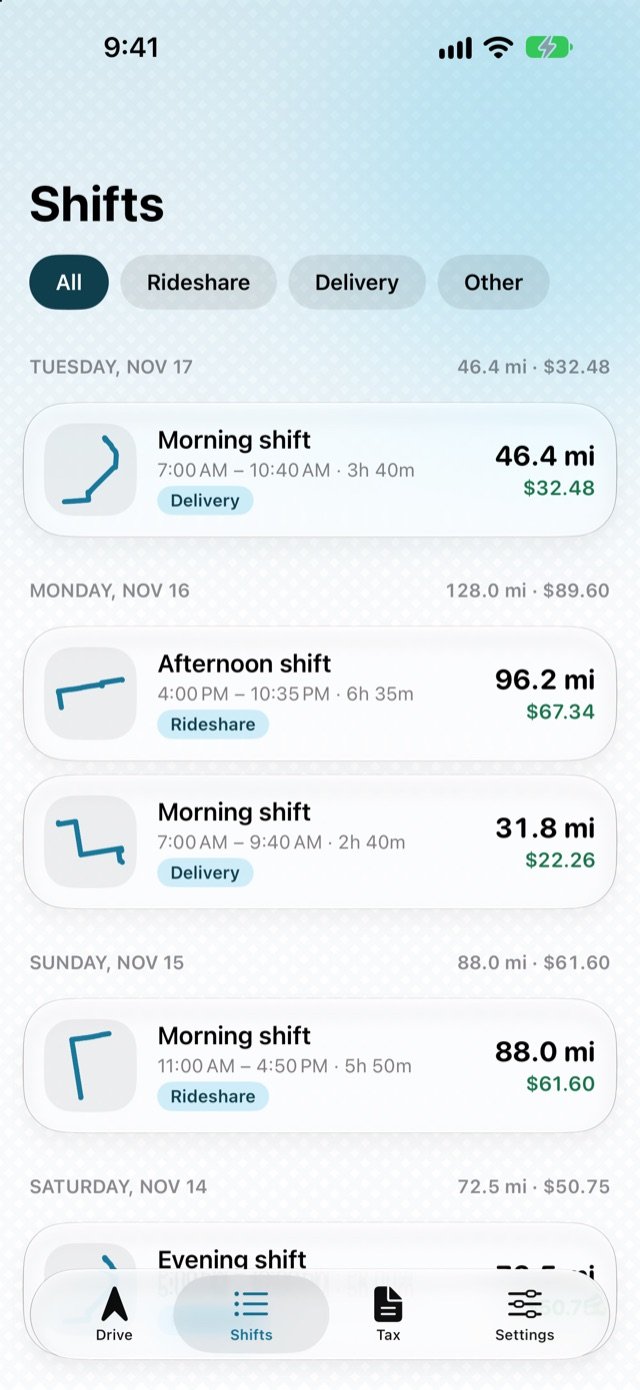
Every shift, neatly logged
Each day lists its shifts with a drawing of the route, start and end times, the work type, miles and dollars. Filter by work type in a tap.
- Daily totals at a glance
- Swipe to delete a shift
- Older shifts show the year
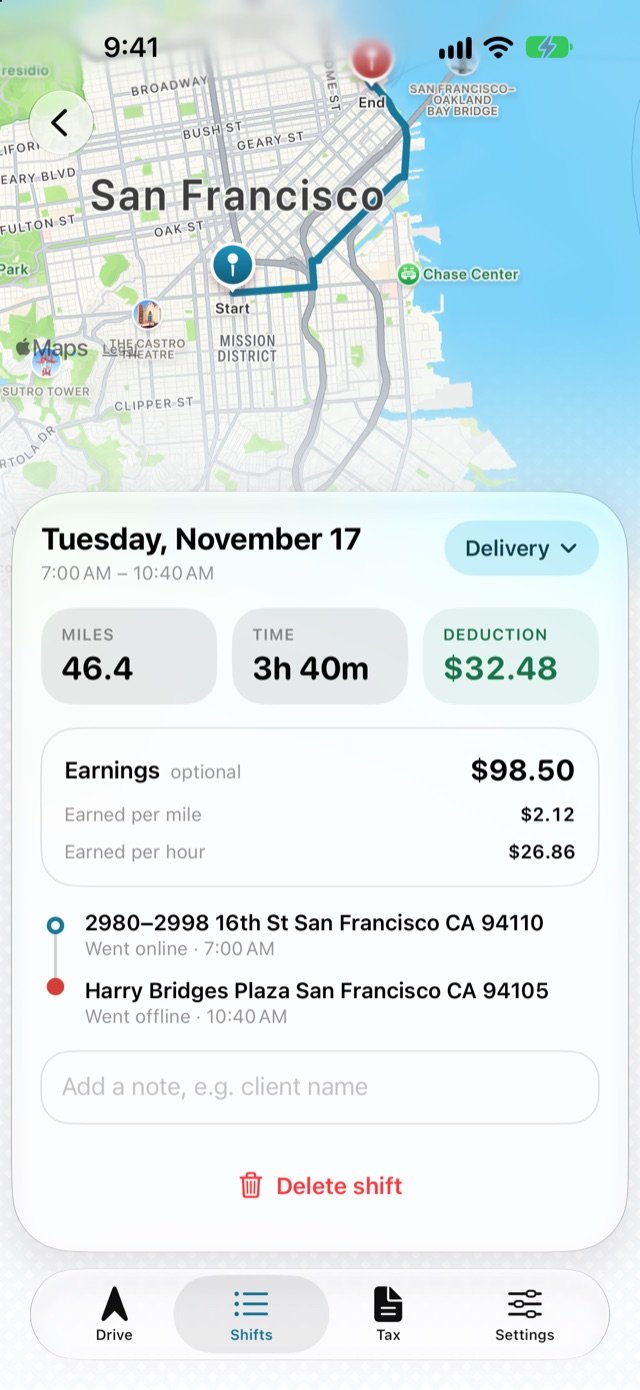
See where you drove and what you earned
Open any shift for the full route on a map, the start and end addresses, and the deduction. Add what you earned and keep a note for your records.
- Start and end addresses filled in for you
- Change the work type later
- Pay per mile and per hour with Premium
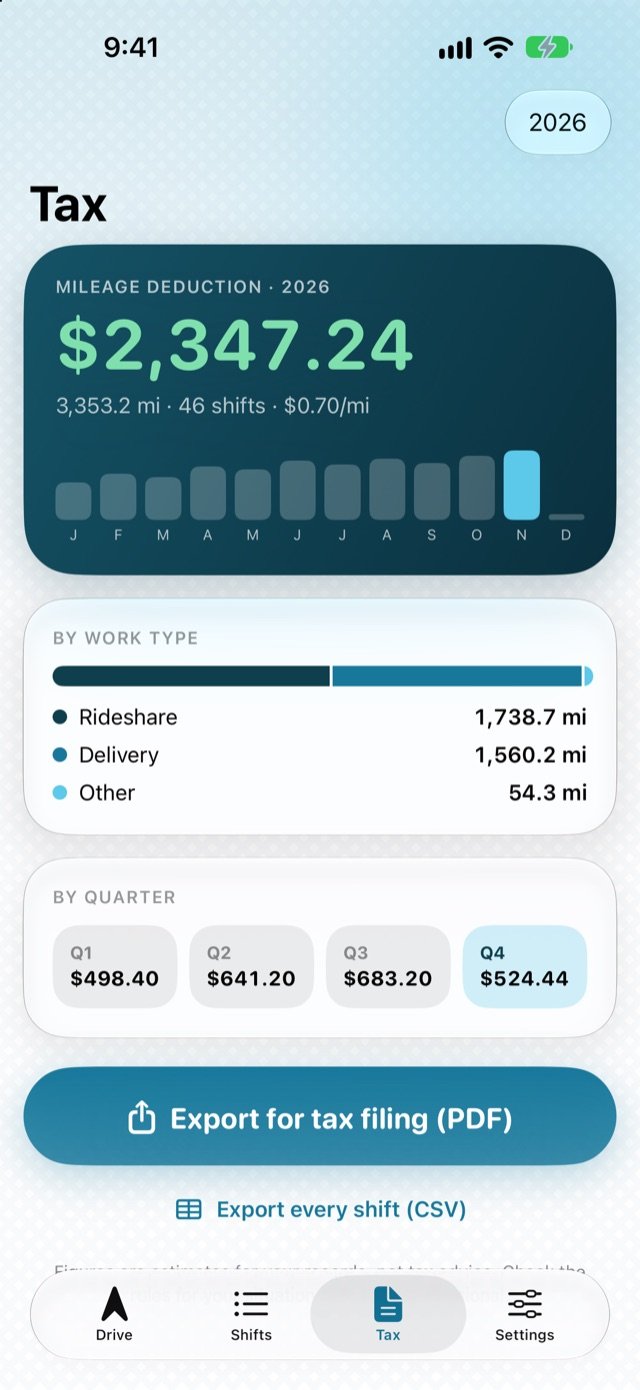
Tax time, simplified
The Tax tab adds up your year: total deduction, miles by month, a split by work type, and quarterly totals for estimated tax payments.
- One-page PDF summary for your preparer
- CSV of every shift with Premium
- Switch between tax years
On your Lock Screen while you drive
A Live Activity keeps your deduction and shift time on the Lock Screen and in the Dynamic Island, so you never need to unlock your phone to check them.
- Shift timer that keeps counting
- Shows Paused when you take a break
- Works in light and dark mode
Start a shift from your car's screen
With CarPlay, TrackMiles puts a big button for each work type on your car's display. Tap one to start, then see your deduction, time and miles as you drive, with Pause and End shift right there.
- Start a Rideshare, Delivery or Other shift in one tap
- Live deduction, time and miles on the car screen
- Today, this week and this year at a glance
Your trips stay on your iPhone
No account
There's nothing to sign up for. Open the app and start a shift.
Location only on shift
TrackMiles uses your location to count miles while a shift is on. Your routes and shifts are stored on your device.
Clear about ads
The free version shows ads from Google AdMob, which has its own data practices. Premium removes them. Details are in the privacy policy.
Frequently asked
Does TrackMiles track automatically?
No. It records only while a shift is on, so your personal driving stays out of your log. Tap Start shift when you go online and hold to end when you're done.
Does it keep counting when my phone is locked?
Yes. Allow location access and TrackMiles keeps counting in the background. You'll see your deduction and time on the Lock Screen and in the Dynamic Island.
What mileage rate should I use?
You set your own rate per mile for each tax year in Settings. Check your tax authority for the current standard rate. TrackMiles keeps a record of your mileage and doesn't give tax advice.
Which kinds of driving does it work for?
Any work you do with your car. It comes with Rideshare, Delivery and Other, and Premium lets you add and rename work types to match how you drive.
How do I get my records for taxes?
Open the Tax tab and export a one-page PDF summary of your year, free. Premium adds a CSV with every shift for spreadsheets or your tax preparer.
How do I cancel Premium?
In your iPhone's Settings, tap your name, then Subscriptions, then TrackMiles. You keep Premium until the end of the period you paid for.
Your next shift starts with one tap
Free on the App Store for iPhone.